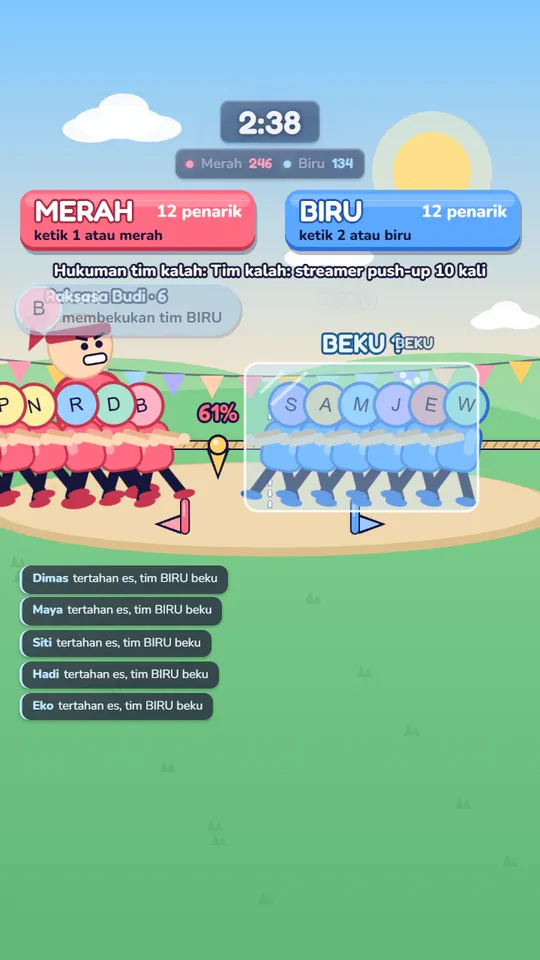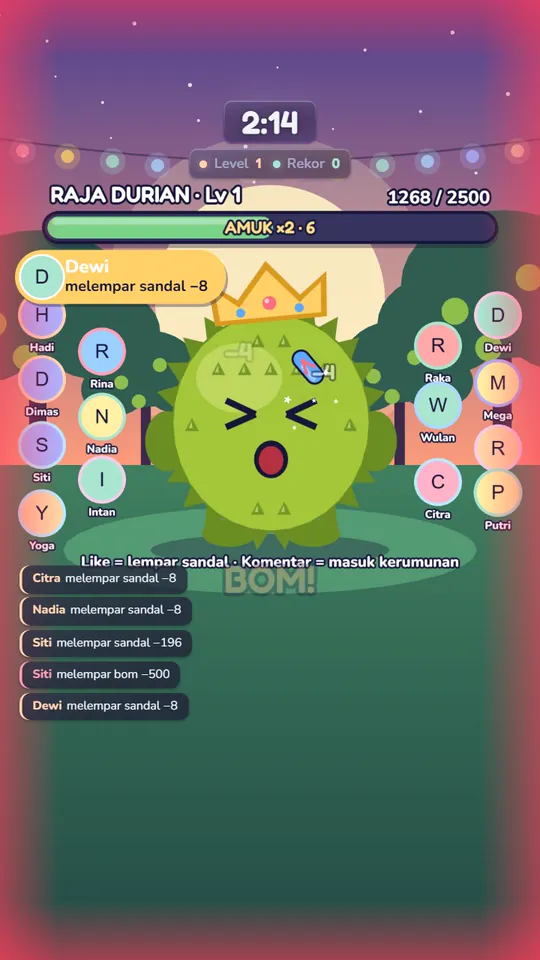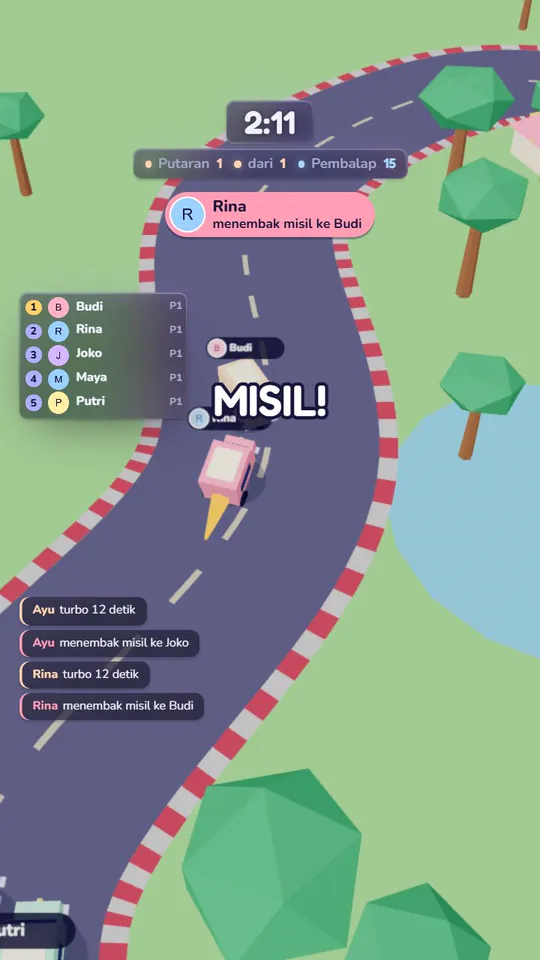

The PC and software you need to go live with games
A phone is enough for a chat stream. To play games with your viewers on stream, you need a PC and streaming software. Here's what to get ready.
Why a PC?
Liipoi games run on a Windows PC, and the picture is sent to your live through streaming software. Viewers don't install anything; they watch and interact from the TikTok app as usual.
The basics
What's settled:
- Windows 10 or 11.
- OBS Studio or TikTok LIVE Studio that you already stream with smoothly.
- A TikTok account that can go LIVE from a PC.
- A stable internet connection while you're live.
- Minimum processor, memory, and graphics card specs will be announced at launch.
OBS Studio or TikTok LIVE Studio?
Either works. Liipoi games and overlays are added as a browser source, a source type both programs have. Use whichever you already know.
Getting the game onto your stream
Every game has a browser source URL. Copy it from the launcher and add it as a Browser Source. The URL stays the same between sessions, so you only set it up once.
Games are made portrait first (1080×1920), and landscape is supported too. There are three background options: the full scene, green screen, or transparent so your camera stays visible.
Live from a phone, game on a PC?
Not supported yet. The game has to show up through streaming software on a PC. What does work from phones is your viewers: they play along with gifts, likes, and comments.