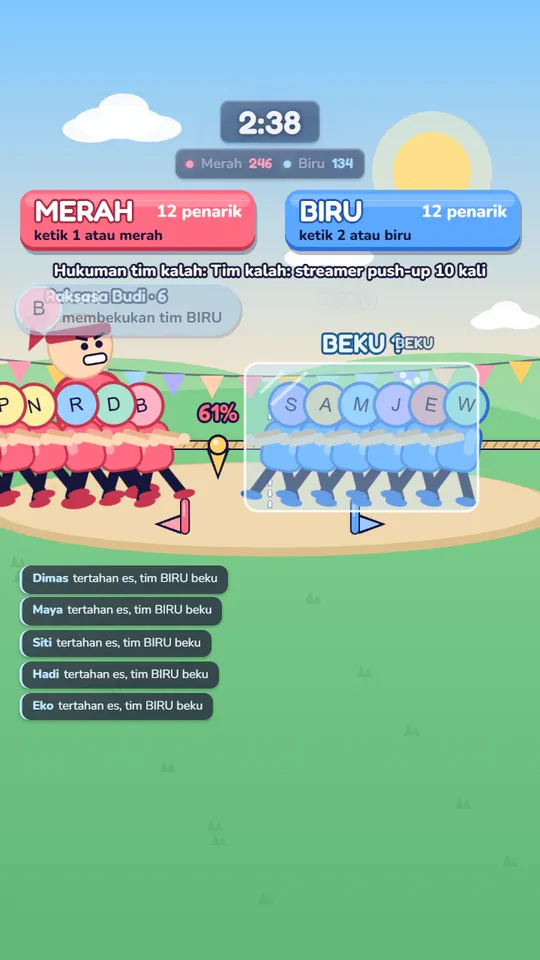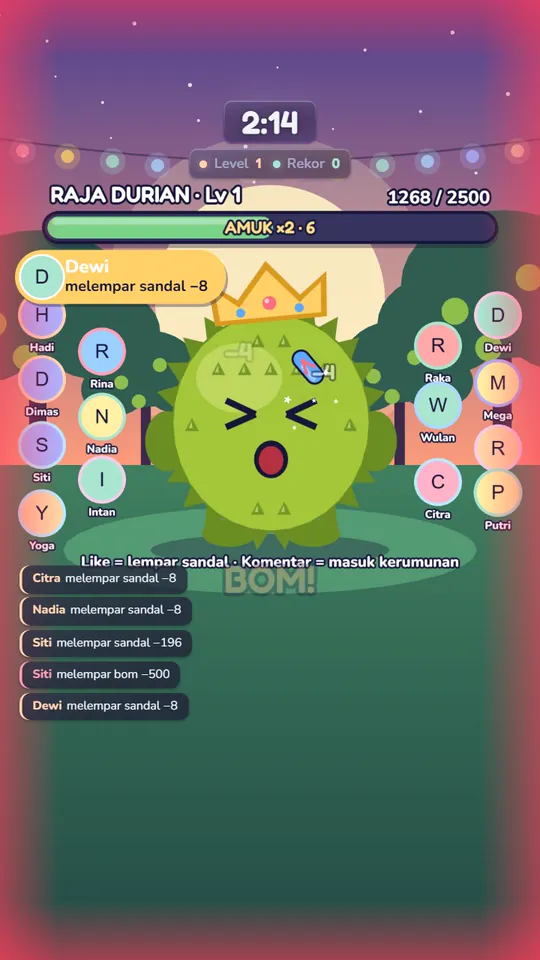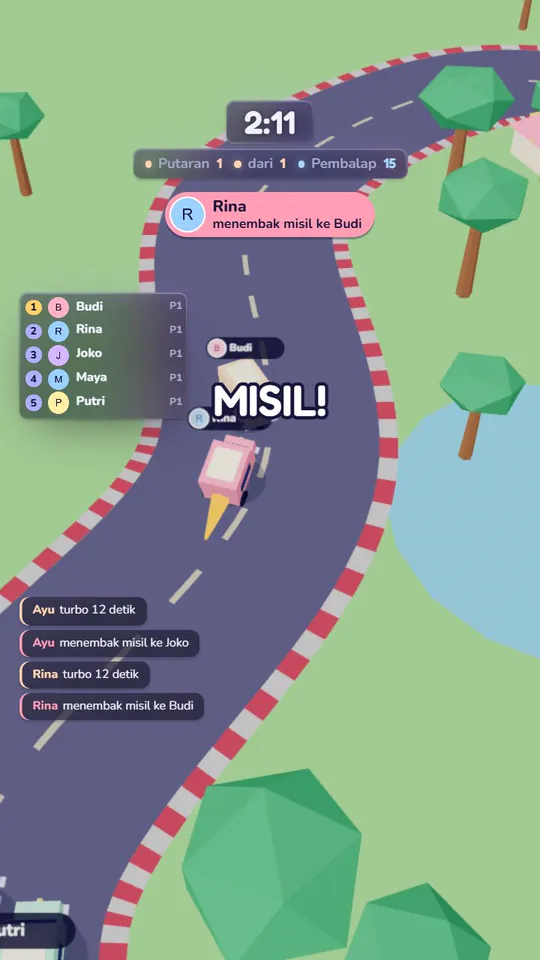

Setup, step by step
Everything from installing Liipoi to your first live with a game is on this page.
In short: install Liipoi on a Windows PC, type your TikTok @username, test with the simulator, then add the game's URL to OBS or TikTok LIVE Studio as a browser source.
-
Get Liipoi
Liipoi is in closed testing. Join the waitlist; once it launches, download the installer from the Download page.
- You need a Windows 10/11 PC or laptop
- Viewers don't need to install anything
-
Install on Windows
Run the installer on the PC you stream from.
- If Windows SmartScreen shows a warning, choose More info, then Run anyway. It's normal for new apps.
-
Sign in
Open the My account menu in the launcher and sign in or sign up with your email. Your account keeps your plan and registered PCs.
- One account can register two PCs; one is active at a time.
-
Connect to TikTok LIVE
In the Live Stream menu, open the Connection page, type your TikTok @username, and press Connect. No password needed.
- Liipoi only reads gifts, likes, comments, follows, and shares. Nothing is posted as you.
-
Test with the simulator
The Test simulator card on the Connection page sends fake likes, comments, follows, shares, and gifts in three sizes. Make sure the game reacts before you go live.
- Simulator events don't count toward stats or analytics.
-
Add the game to OBS or TikTok LIVE Studio
Copy the game's browser source URL and add it as a Browser Source in OBS or TikTok LIVE Studio.
- Portrait 1080×1920; landscape is supported too.
- The URL stays the same between sessions, so you only set it up once.
- Choose a scene, green screen, or transparent background.
-
Set up actions
In Game actions, pick a trigger (gift, like, comment, follow, share) and what it does. Each game comes with default rules filled in.
- Big gifts are dampened so one gift can't end a round outright.
-
Add overlays
The overlay gallery has gift alerts, top gifters, goals, gift counters, and a voice chat overlay that reads comments aloud. Add them like games: copy the URL, paste it as a browser source.
- If you can't hear an overlay in OBS, turn on Control audio via OBS for that browser source.
-
Go live
Start your LIVE as usual and stay on camera. Liipoi games are made to be played with the streamer, not left running on their own.
Troubleshooting
- Windows shows a SmartScreen warning
- Choose More info, then Run anyway. The warning shows up for new apps until they build a reputation.
- A third PC can't sign in
- One account can only have two registered PCs. Remove one in the My account menu, then sign in again.
- A game or overlay stopped showing in OBS
- If you pressed Regenerate key, every old browser source URL stops working. Copy the new URL and paste it again.
- Overlay sound isn't on the stream
- In OBS, turn on Control audio via OBS for that browser source, or monitor its audio.
- Gifts or comments aren't coming through
- The connection to TikTok LIVE uses an unofficial route that can break when TikTok changes its system. Reconnect; if it still fails, email us.
Next live, let your viewers play
Sign up now and we'll tell you the moment Liipoi is ready to download. Tarik Tambang is free to play from day one.